

Coming soon
Build your map from Claude or ChatGPT
Got a change by email? Your AI assistant puts it straight on your map through MCP, without opening the Studio.
 ALPHA stage
Bring your organisation's locations together on one map in your own branding, so your visitors find what they need straight away.
Or browse example maps in Atlas.


Import your existing list, click pins onto the map or draw whole areas. Or let the map assistant do the work.
Paste from Excel or Google Sheets or upload a CSV. Name, address and type are recognised, so every row becomes a location straight away.
A site, park or neighbourhood as a shape, with its own name, colour and location card. Go on, drag a corner.
Paste the link to your website. The assistant reads every page and puts each place it finds on your map, with its address.
Got a change by email? Your AI assistant puts it straight on your map through MCP, without opening the Studio.
Hours, prices, lists, checks, a live distance or a button: choose for each column what kind of field it becomes and where it sits on the card. Whatever your locations need, there's a field for it, and every location in your file follows the same layout.

Noorderplantsoen, Groningen
You publish your map once. From then on it lives on your own website, on your own domain and in every link you share, and every change follows everywhere by itself.
Before you publish, you see exactly what changes: field by field, next to the sidebar and location card the way visitors will see them. If something still goes wrong, you restore an earlier version.
Published a mistake? Restore an earlier version.
Every publish becomes a version. View it the way visitors saw it then and restore it as a draft. Your current draft is saved as a backup first, and nothing changes live until you publish again.
Update your map yourself, know what it brings in, let visitors find what they need straight away, and get found, online and on the street.
Change a location in the table or straight on the map, and once you publish it's right everywhere, including on your own website. No ticket for a developer or agency.
Views, unique visitors, the most-opened locations and which sites send traffic. No analytics cookies, and your own visits don't count.
Search within the map and your own quick filters, like "Open now" from your opening hours or "This weekend".
Your map is a page search engines and AI assistants can read: with a location list and structured data. On or off per map.
Download a QR code for your poster, flyer or sign.
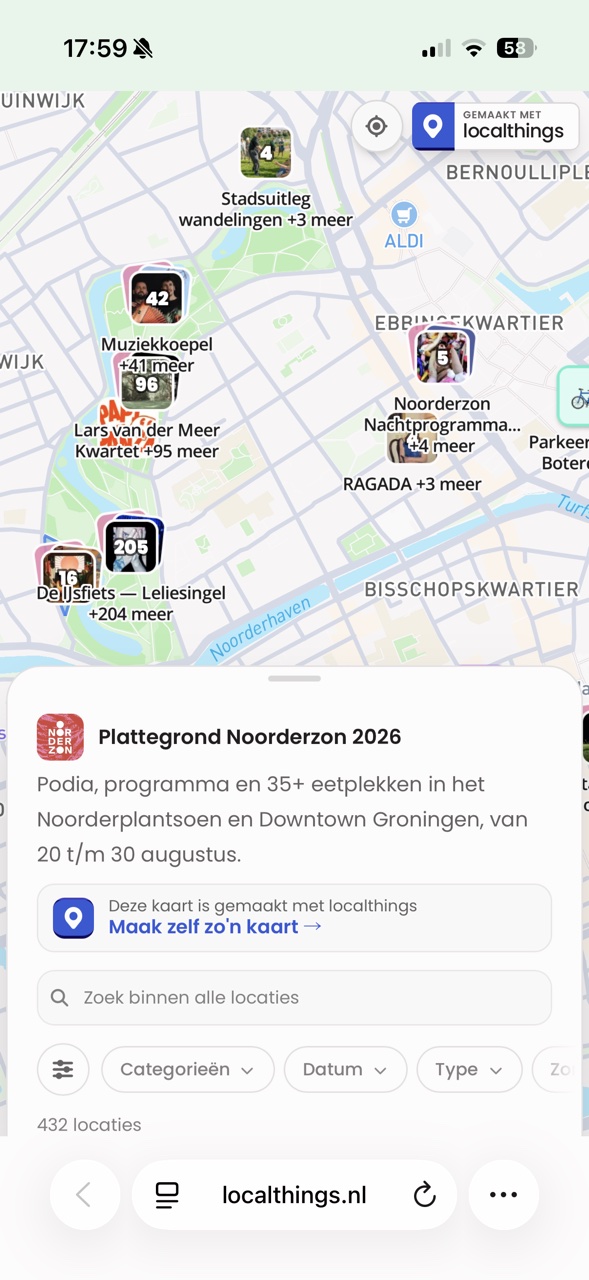
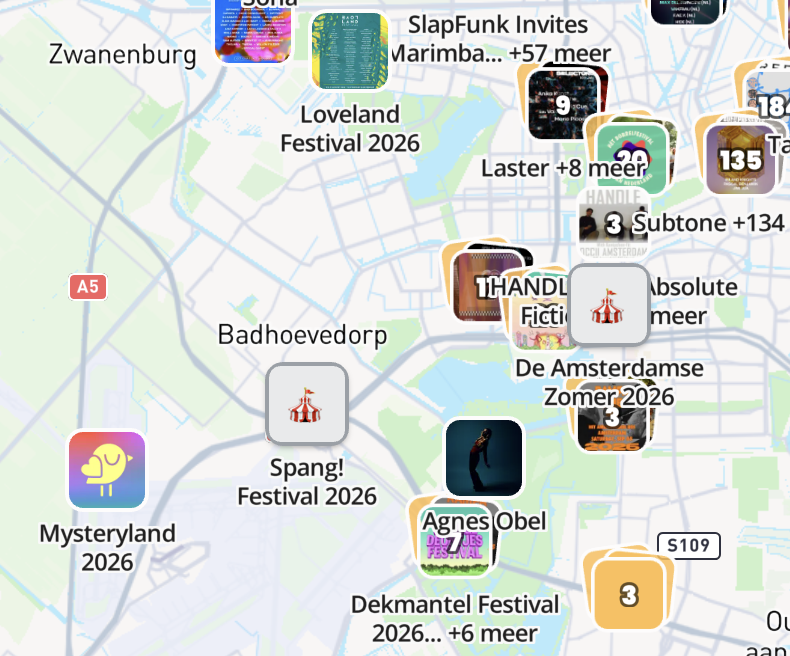
Every map by localthings and by our builders, in one place. Find skateparks, festivals, foraging spots and eclipse viewpoints near you - or see what other people built and take an idea for your own map.
 Loveland Festival 2026
 Awakenings Festival 2026
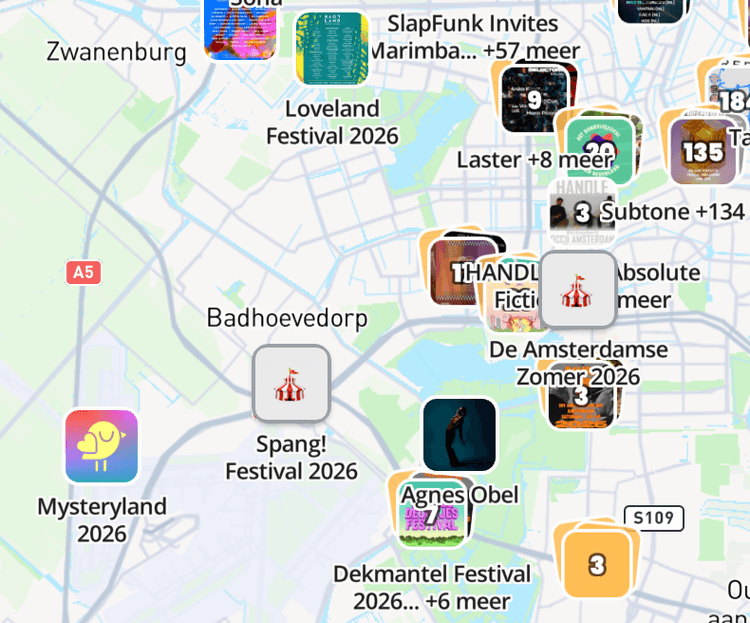 Festival SummerEvery festival in the Netherlands
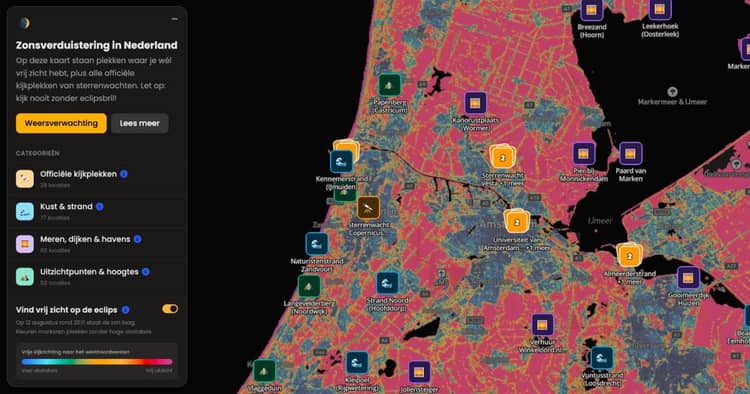 Solar eclipse 2026Where do you get a clear view?
 Skatepark Zeeburgereiland


Build and publish in Studio, then decide whether your map also appears in Atlas or stays on your own link or domain.